
The Lookout
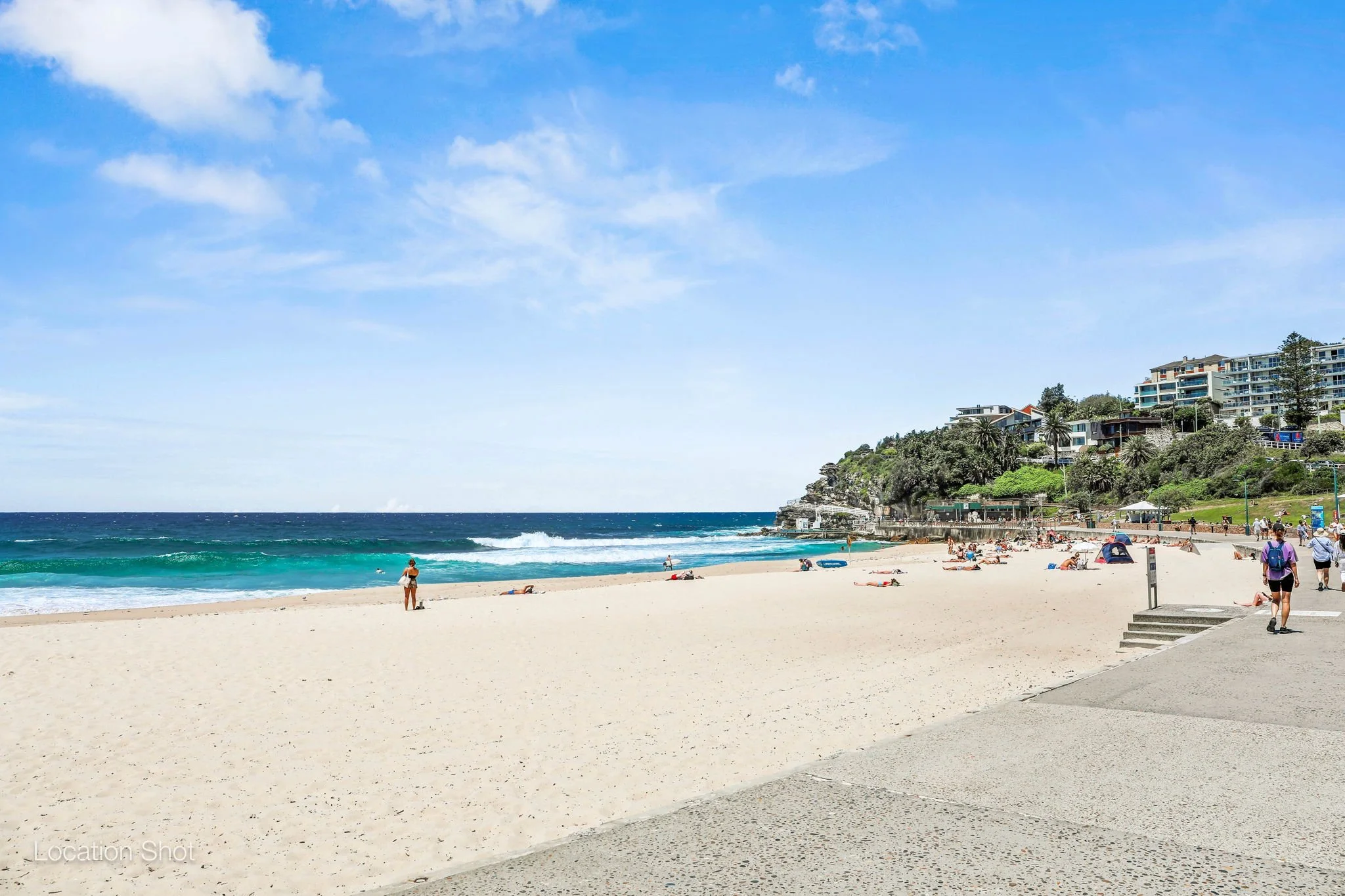
Welcome to beautiful Bronte, one of Sydney’s most relaxed and scenic beachside pockets.
This space is all about slowing down, enjoying the ocean, and making the most of coastal living.
Location & Stay Details
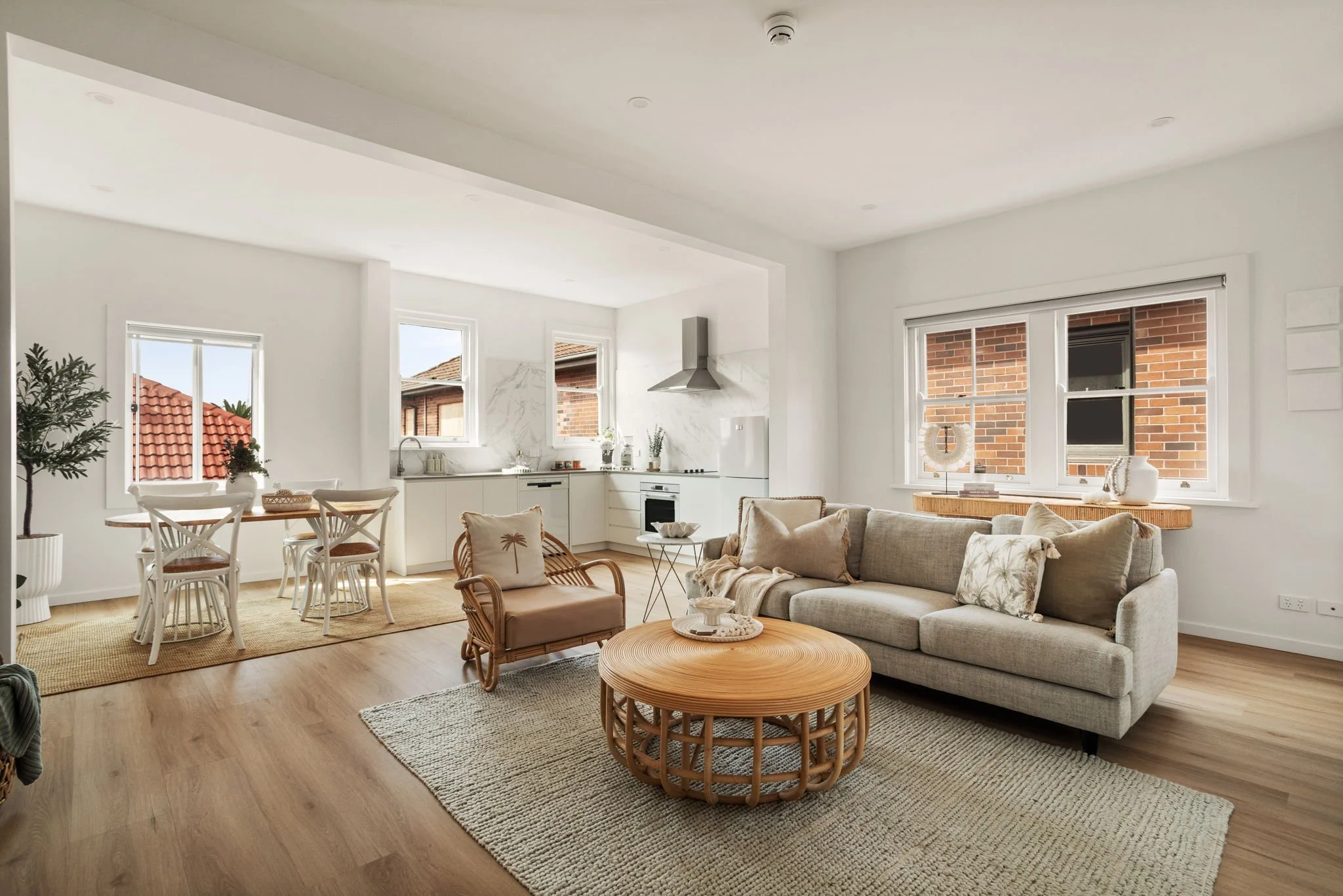
Location: Apartment 3, 493 Bronte Road, Bronte Beach, Sydney
Check in: After 2:00 PM
Check out: Before 10:00 AM
WiFi network: The Lookout | WiFi password: Love.Local.Living
Parking:
✨ Street parking is available nearby.
✨ Bronte Road offers timed paid parking
✨ Pacific Street offers free 30-minute parking. This is a great option for quick stops and unloading luggage. (There is a path along the side of the apartment block that gives direct access from Bronte Rd to Pacific Street, you will need your keys to unlock the gate)
✨ Gardyne Street and Macpherson Street offer free all-day parking
Please note that weekends and peak periods can be busy, and it may be more difficult to find a park.
Check-In & Check-Out
Check In:
Access details provided before arrival
Please let yourself in and make yourself at home
Check Out:
Before leaving, we kindly ask:
Turn off the lights and air conditioning
Take the rubbish out
Return keys to their original place
Close and lock all doors/windows
House Guidelines
No smoking indoors
No parties or events
Please respect neighbours (quiet hours in the evening)
Registered guests only
How Things Work
TV: There are no free-to-air channels connected; everything runs through the Amazon Fire TV Stick. How to access Fire TV:
Turn on the TV using the TV remote control.
Press the “Input” button and select HDMI 2
The Fire TV Home Screen will be displayed
Use the Fire TV remote to browse streaming apps.
Guest can use their logins to access streaming apps
Laundry: There is a washing machine and dryer in the apartment.
PLEASE NOTE: The wash and dry cycle is approximately 4 hours. The door cannot be opened mid-cycle due to the high temperature. To remove your items, you must pause the cycle and allow the machine time to cool down and unlock safely. It will take approximately 10-15 minutes for the drum to cool and for the door to unlock. It is not recommended to use the dryer if you are on a strict timeframe.
De'Longhi Coffee Machine Instruction Guide
Turn the machine on.
Check there are coffee beans in the compartment at the top of the machine.
Make sure the grounds container and drip tray are correctly inserted and don’t need emptying.
Ensure the water tank is full and pushed firmly back into position.
Place your cup under the coffee dispenser and select your preferred coffee volume.
For steamed milk, press the steam button at the top right. Once the light stops flashing, place the steam wand into the milk jug and turn the steam dial on the left-hand side. Steam to your desired temperature, then pour into your coffee.
Clean the steam wand, grounds container and drip tray after use.
Coffee machine video instructions
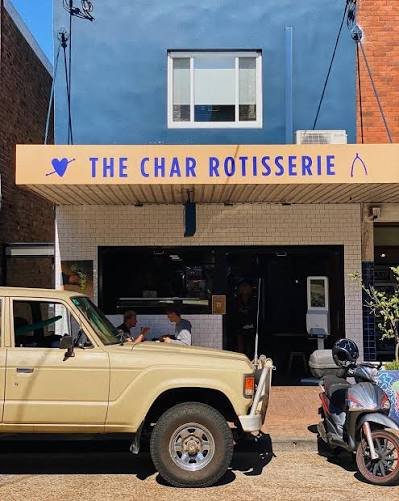
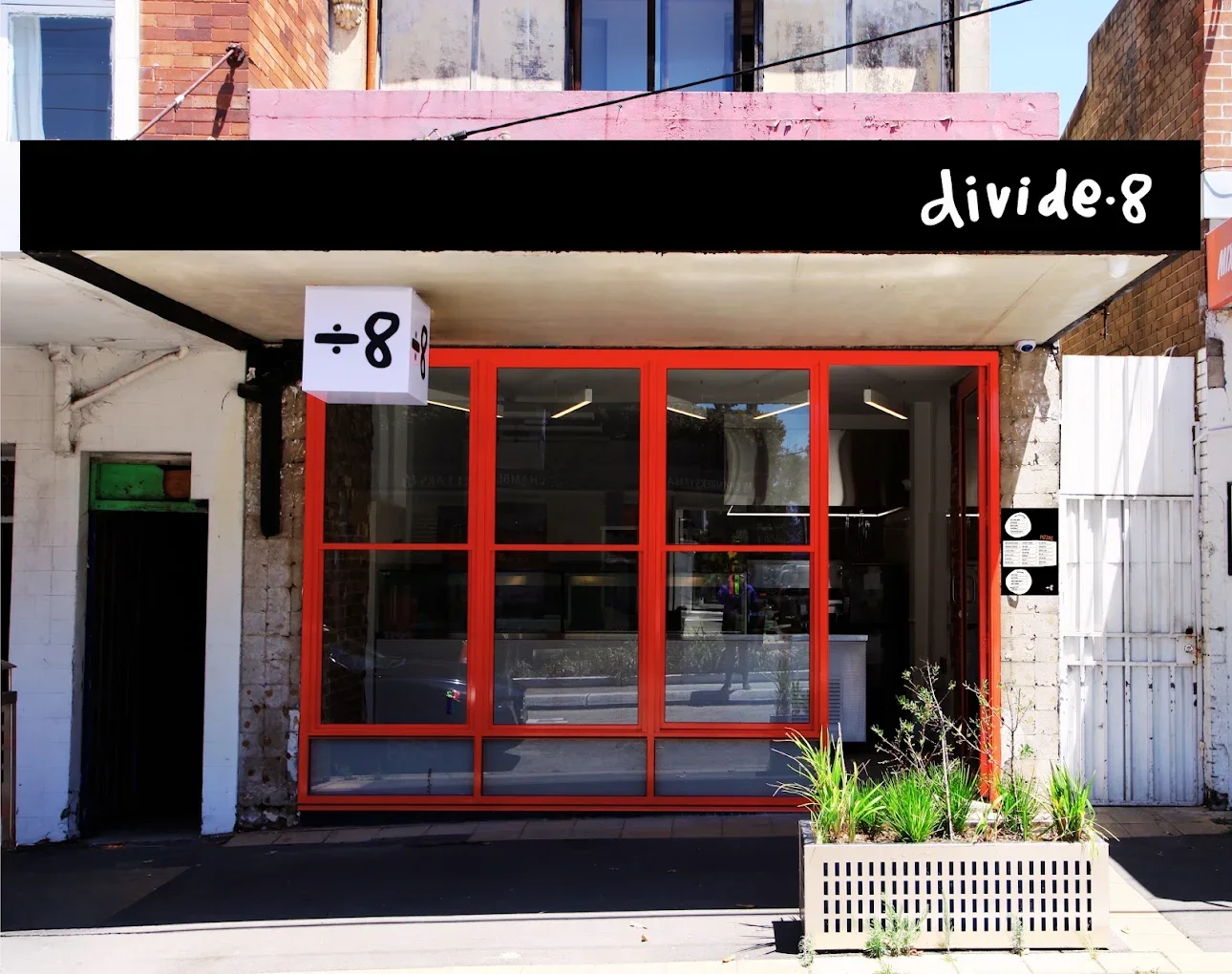
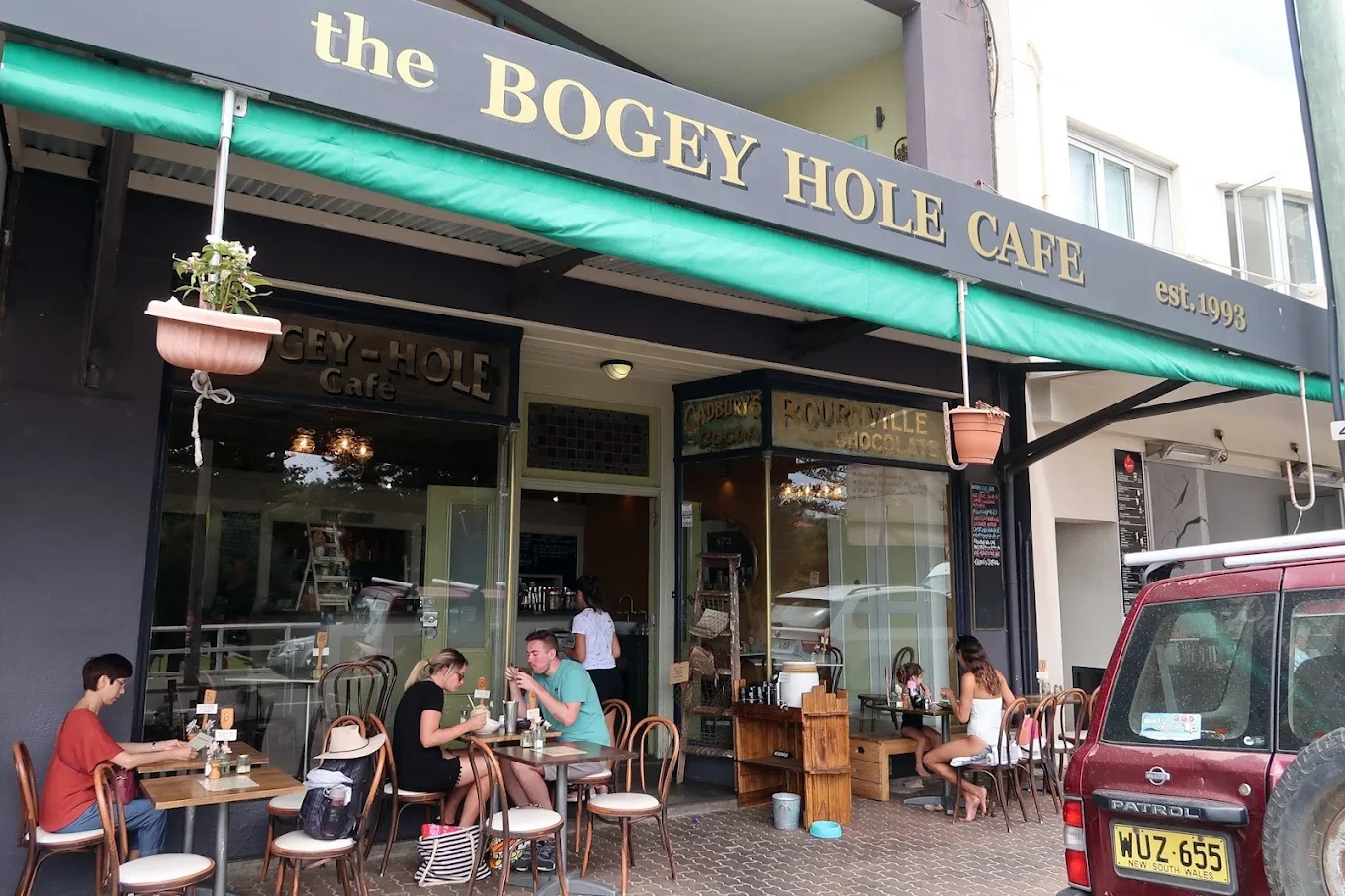
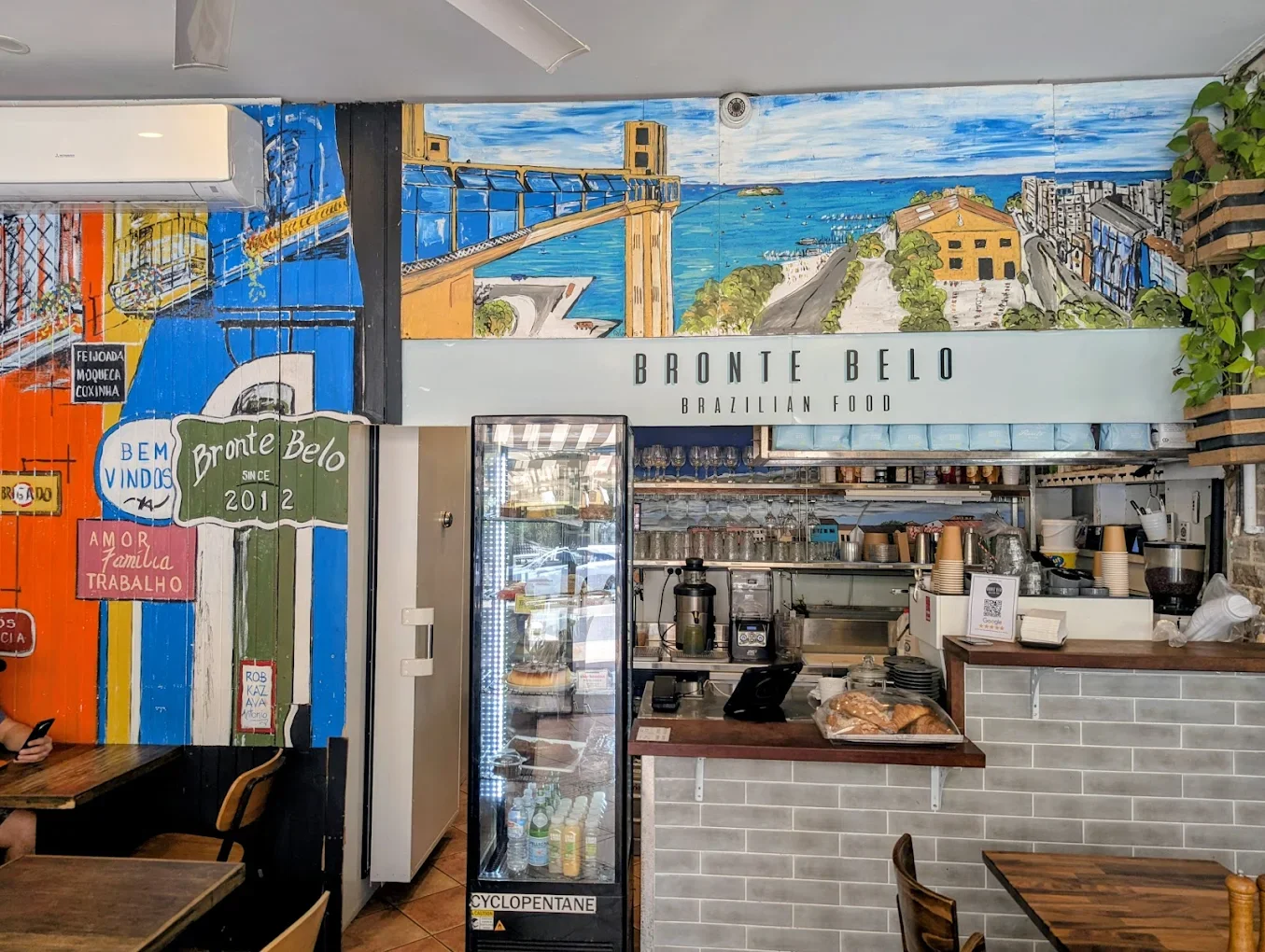
Eat & Drink like a Local
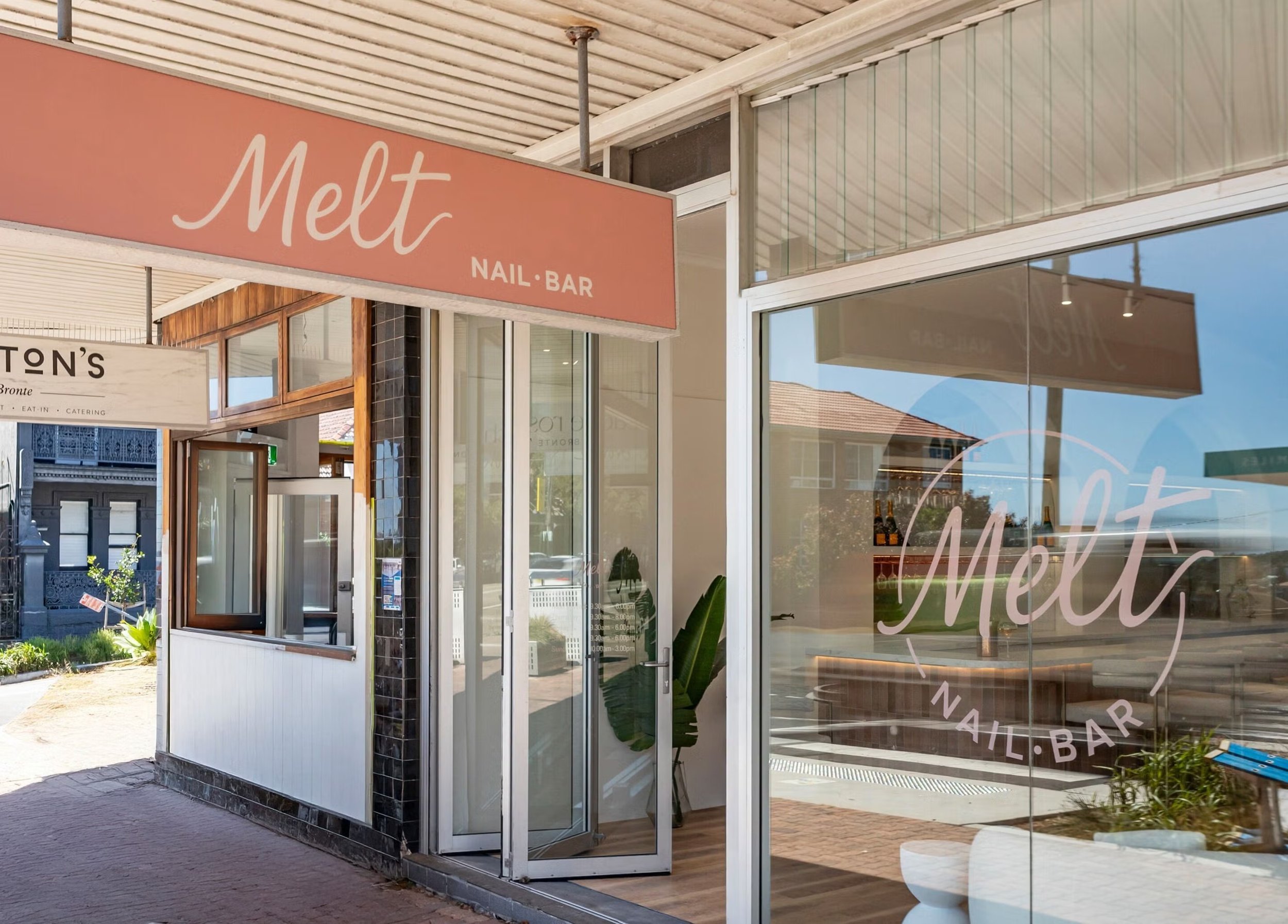
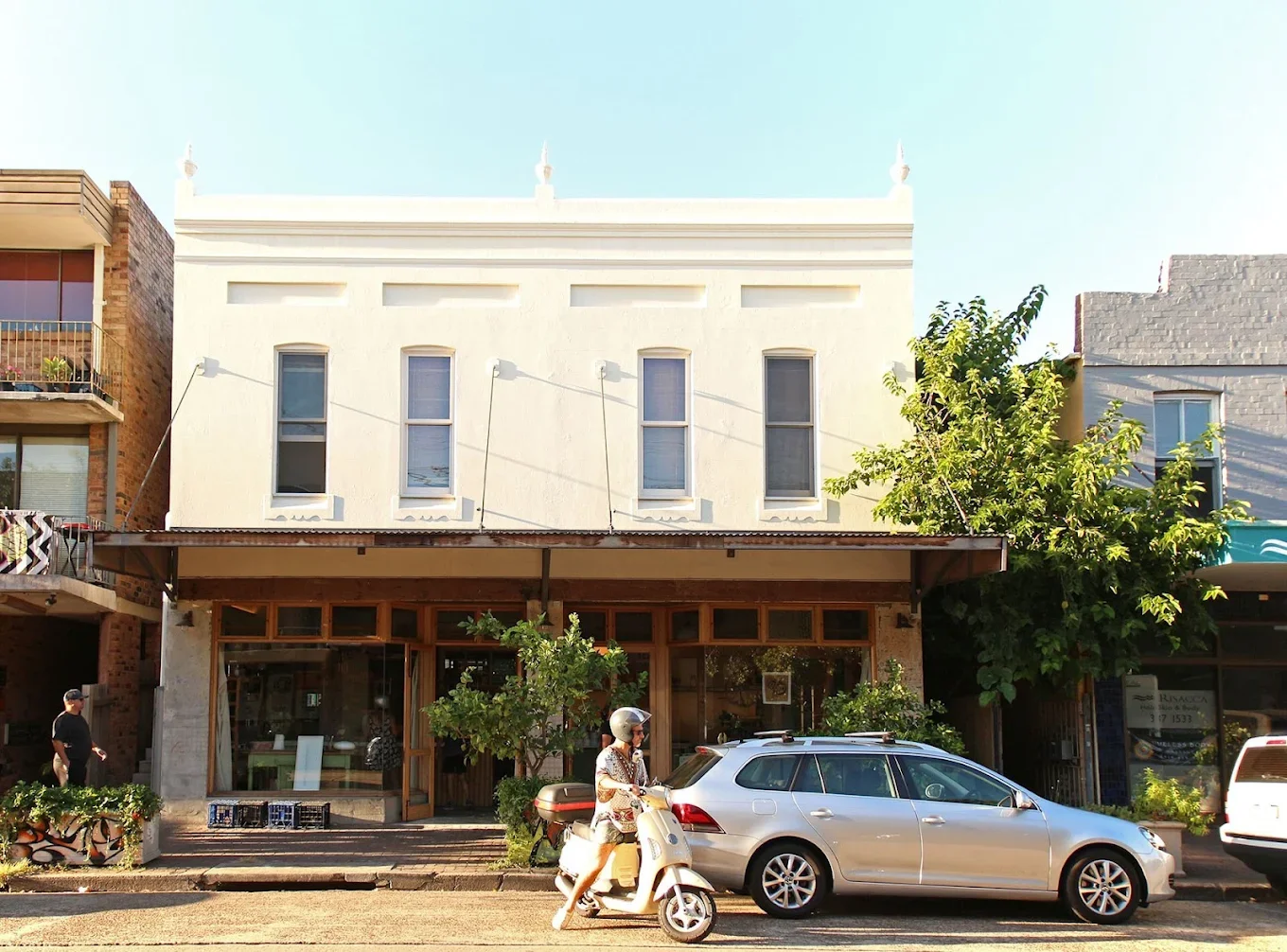
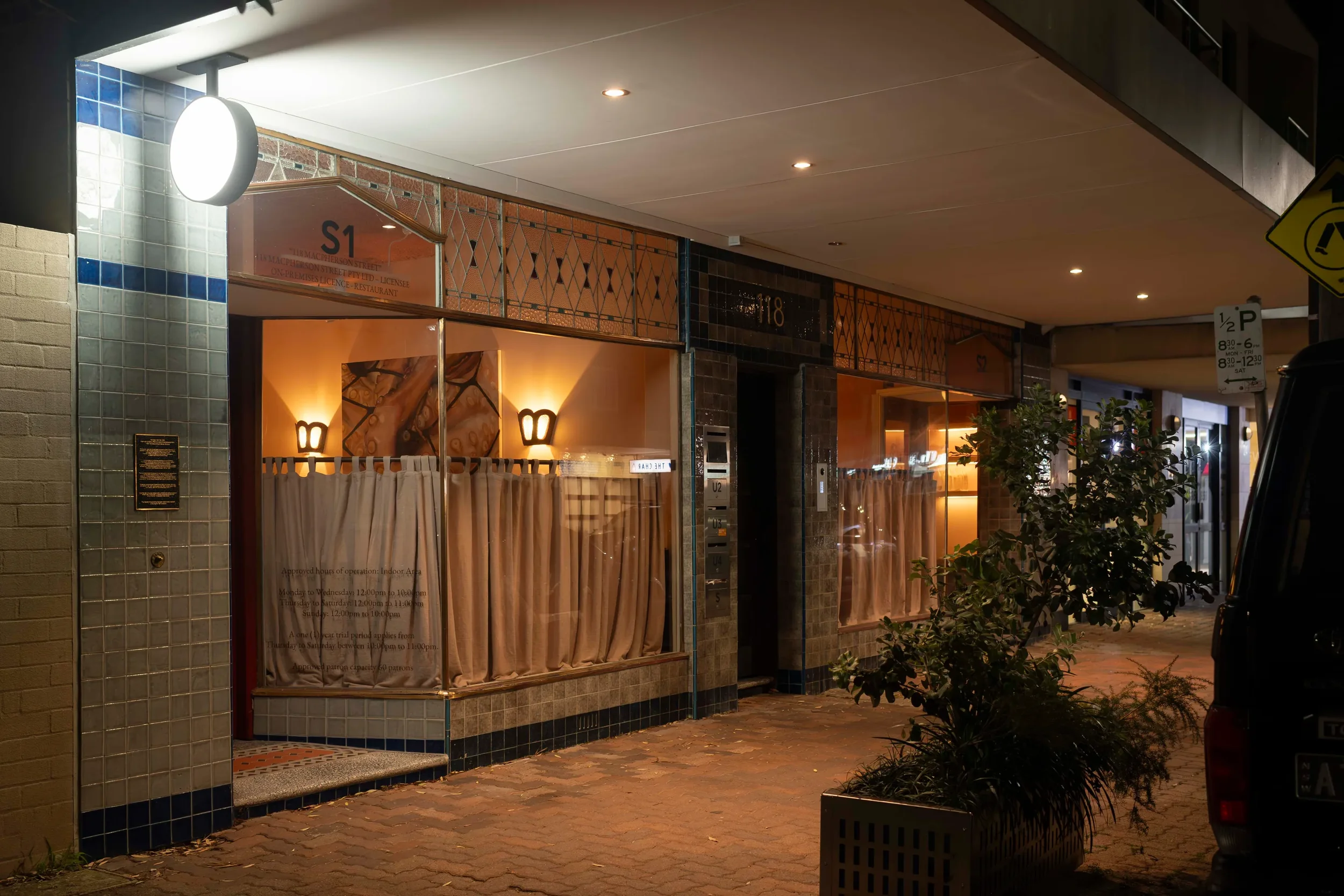
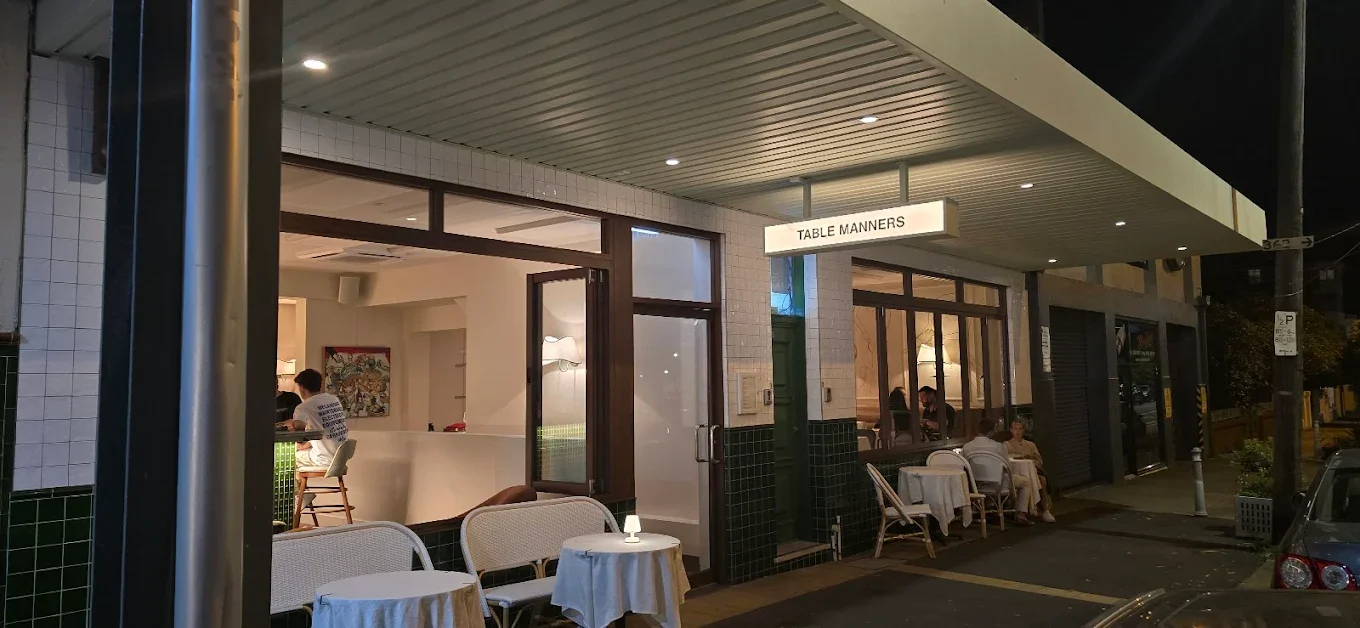
Things To Do

Bronte Beach
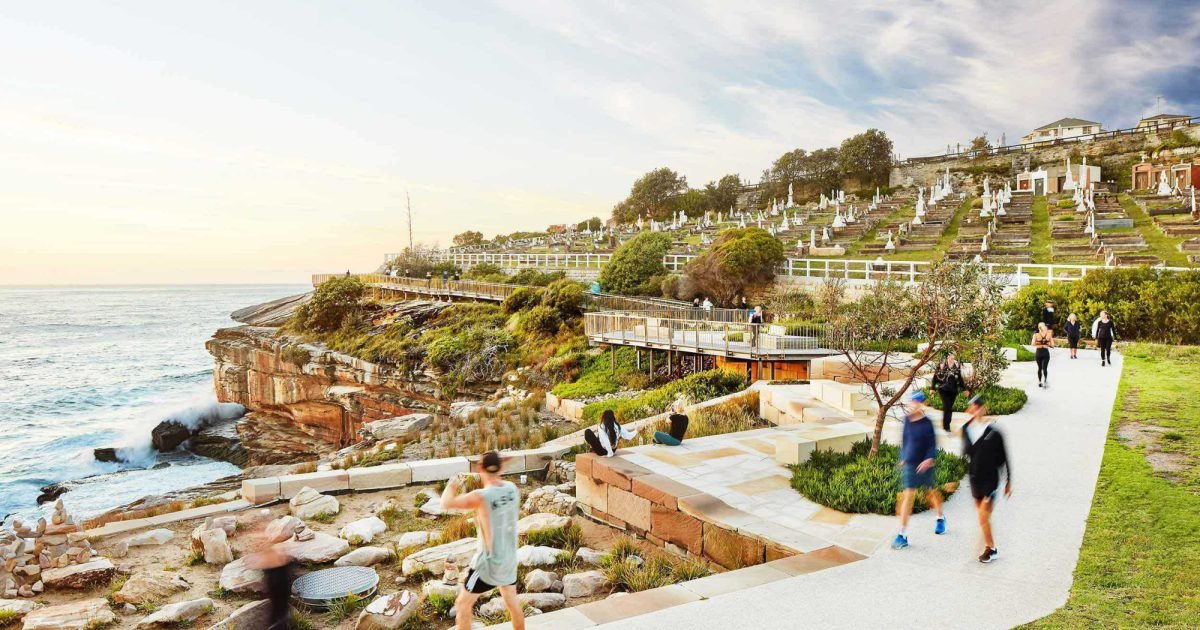
Bronte to Bondi Coastal Walk
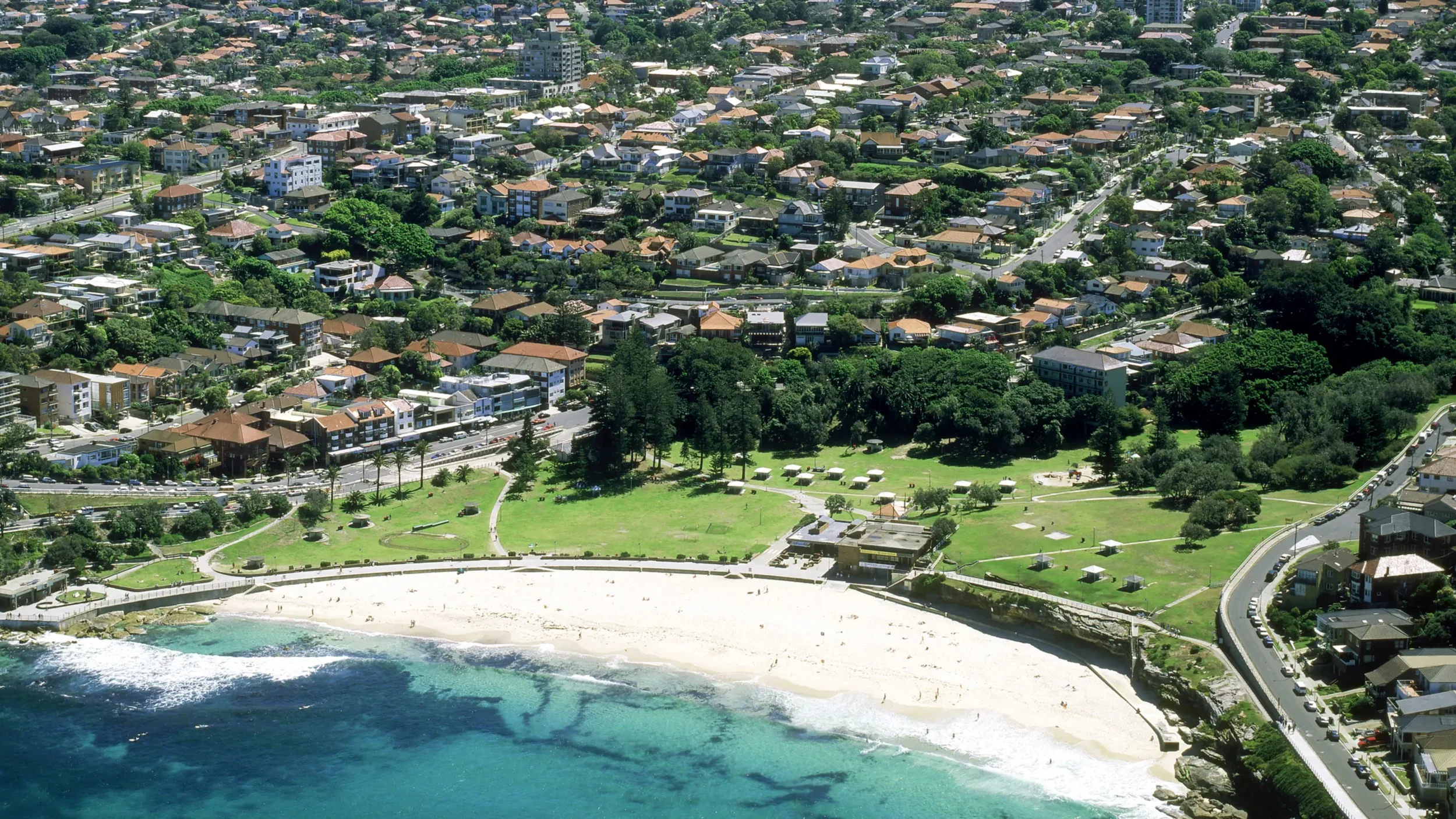
Bronte Park
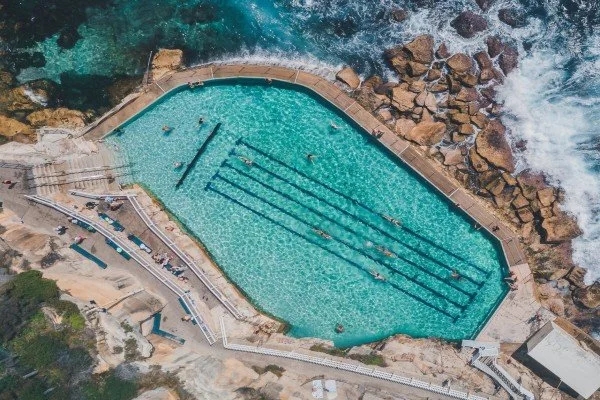
Bronte Ocean Pool
Getting Around
Buses run regularly to Bondi Junction & the CBD
Uber & taxis are easy and quick
Walking is ideal for coastal exploring
Safety & Help
Emergency: Call 000
Nearest hospital: Prince of Wales Hospital, Randwick
Need help? For assistance, message us via the booking system that you used
Before You Go
Loved your stay?
Thank you for choosing Love Local Living.
As one of our valued guests, we'd love to welcome you back with 10% off your next stay when you book directly through our website using code LOVELOCAL10.
Visit lovelocalliving.net to explore our collection of coastal homes and find your next getaway.
We look forward to hosting you again soon.